timeOS is an AI notetaker that captures conversations, leverages context, and transforms them into actionable outcomes. It is built for leaders and consultants whose workdays are shaped by constant context switching, high-stakes conversations, and back-to-back commitments.
Post-COVID, work became increasingly mobile, spontaneous, and hybrid, while timeOS remained fundamentally web-first; optimized for scheduled, desktop-based meetings. This created a growing gap between where valuable conversations happened and where timeOS could reliably support users. To close this gap, we extended timeOS into mobile through a series of experimental approaches, but each one revealed the same underlying limitations in real-world usage.
Early attempts to extend timeOS to mobile without a dedicated app focused on adapting the existing web experience; making the web app mobile-friendly, enabling lightweight capture through workarounds, and relying on users to bring timeOS into conversations manually. These experiments revealed three core truths:
Each attempt pushed timeOS into mobile contexts, but none of them held up under real-world interruption, friction, or unpredictability. Any meaningful mobile solution would need to rethink timeOS's role — from a focused workspace to an active assistant that shows up at the right moment.
"I only ever use my phone when things are already happening. I'm never really planning ahead on it."
Design a mobile experience that fits naturally into users' real, unpredictable days; ensuring they are equipped to prepare for the future, capture the present, and leverage the past. This meant supporting three core needs:
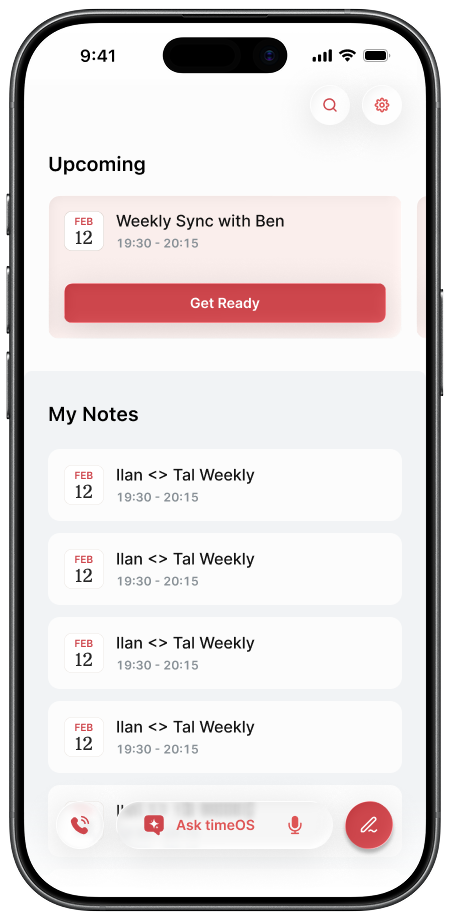
Users open timeOS on mobile with urgency. They are usually trying to prepare for what's next, capture something happening now, or quickly retrieve context from a past conversation.
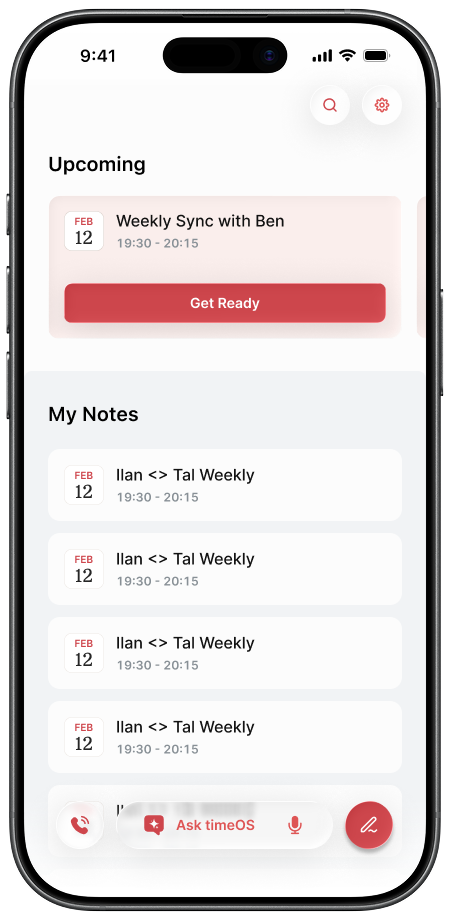
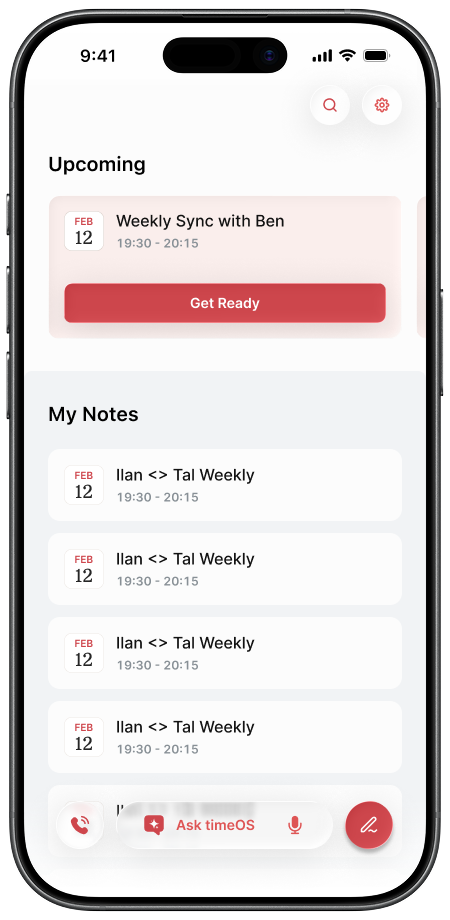
This led to a homepage organized around time rather than features; surfacing upcoming meetings, recent context, and instant access to the AI notetaker in a single focused entry point designed for fast decision-making.
Meeting preparation often happens in the final moments before a conversation begins. On desktop, users compensate by rapidly searching across Slack, email, notes, calendars, and LinkedIn tabs. On mobile, that behavior becomes slow and cognitively expensive.
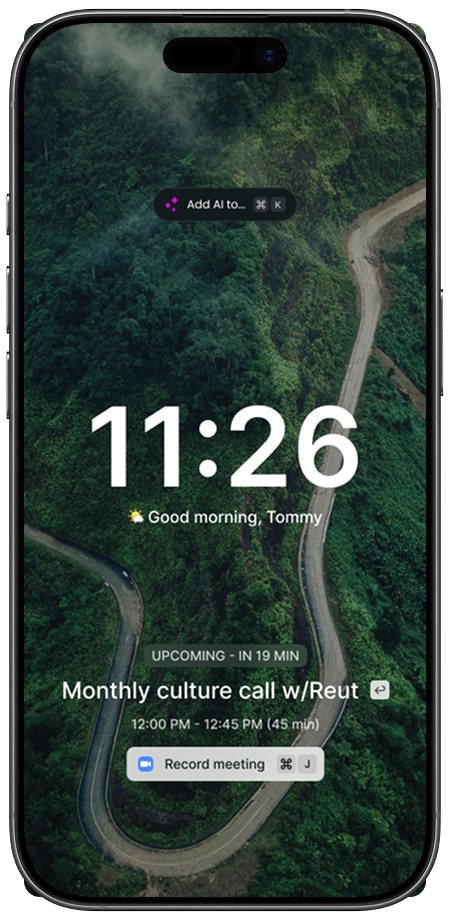
Rather than recreating the desktop workflow, timeOS proactively surfaces the most relevant context before the meeting starts. The homepage highlights the next upcoming meeting alongside the single most relevant action for that moment: Get ready before the meeting begins, or Join meeting once it has started.
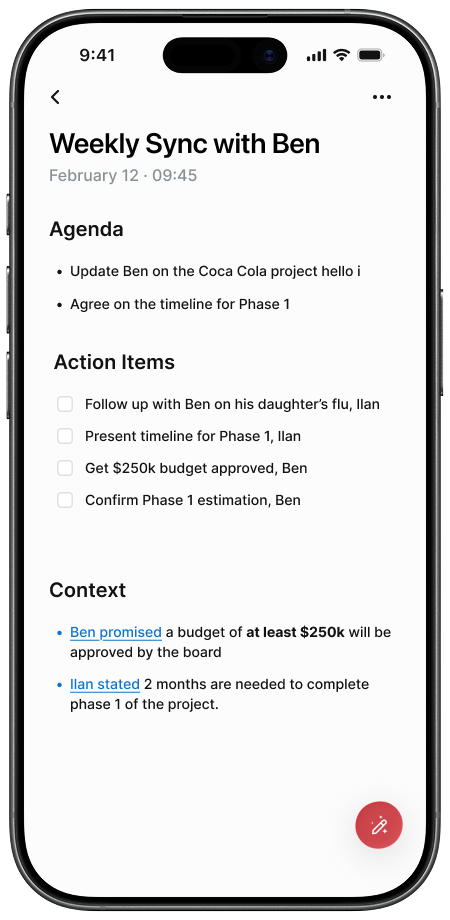
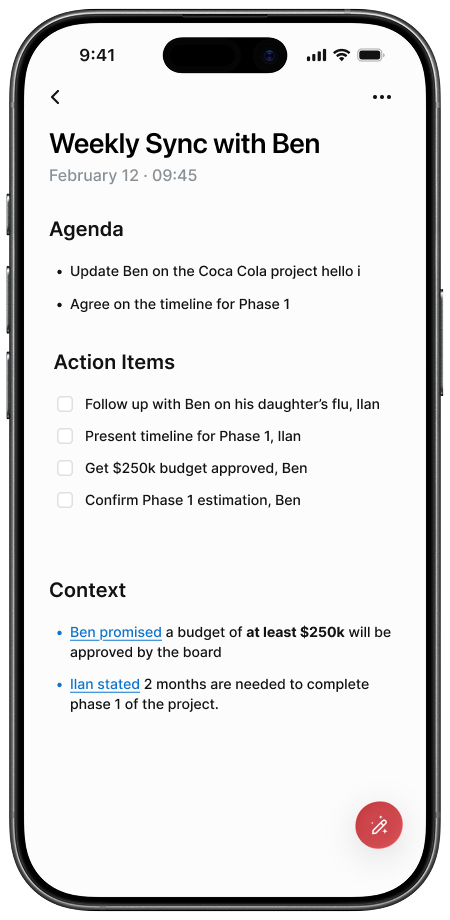
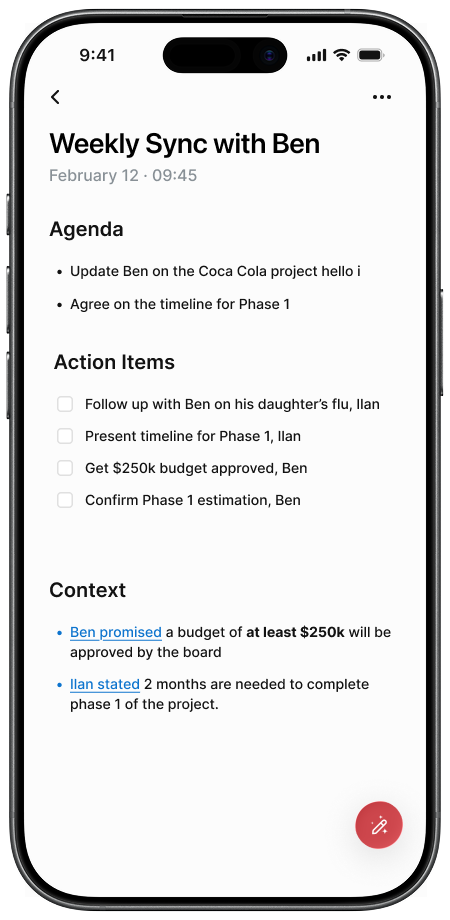
The preparation view distills information users would otherwise gather manually across multiple tools:
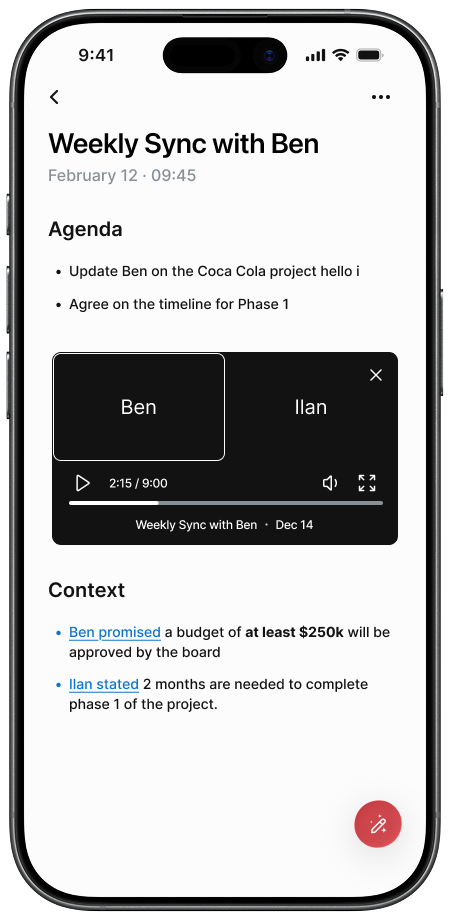
Important references remain interactive, allowing users to jump directly into prior conversations or source material when deeper context is needed.
Preparation is also editable. Users can refine agendas, add notes, and shape context before the meeting begins, allowing preparation to flow directly into the conversation itself rather than living as a separate artifact.
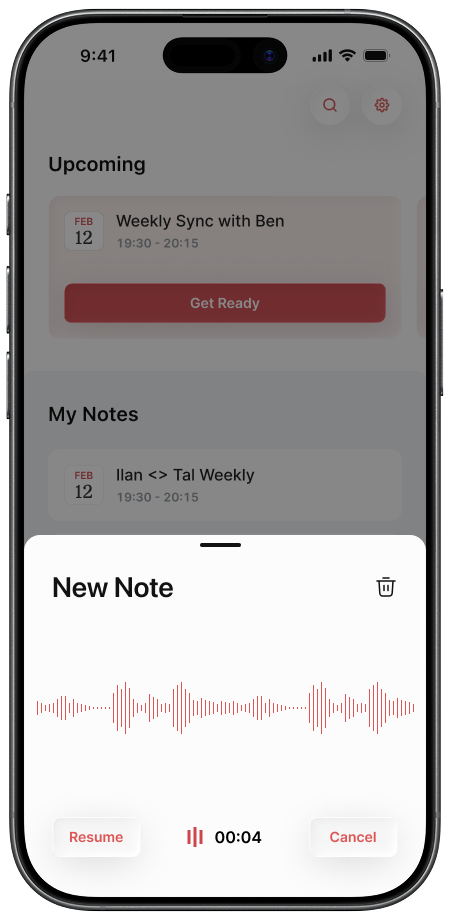
Many important conversations are unscheduled; quick calls, hallway conversations, or spontaneous check-ins that begin before users have time to prepare. In these moments, even minor friction is enough for capture to fail entirely.
"If I don't start right away, I rarely end up recording it."
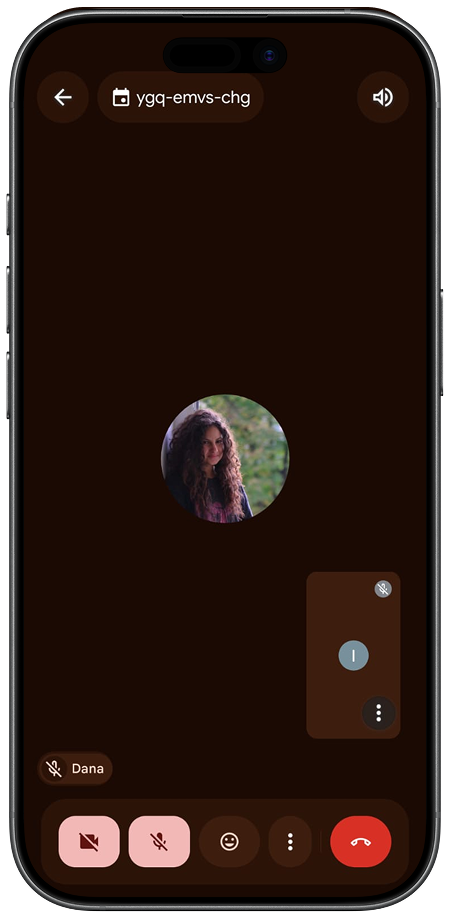
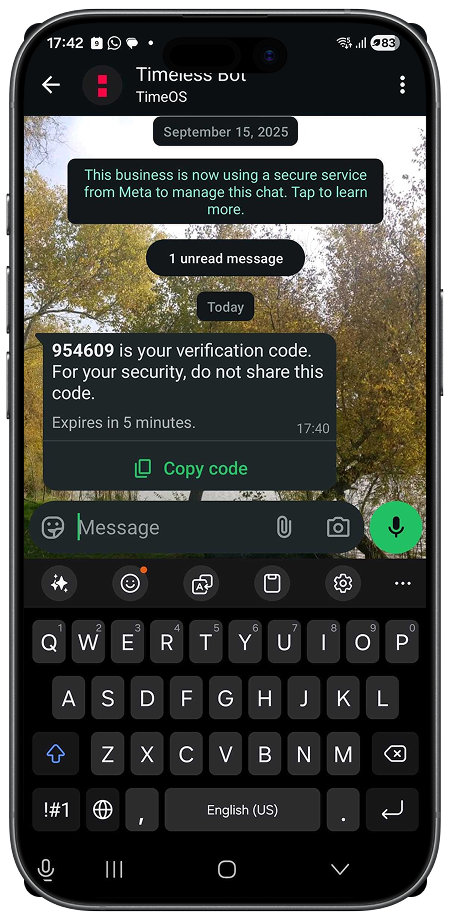
Earlier mobile workflows relied on manual workarounds such as WhatsApp voice notes, calling dedicated numbers, or adding bots mid-conversation. While technically functional, these flows were fragile in practice, depending on users remembering the right steps at exactly the wrong moment, with even small interruptions often causing capture to fail.
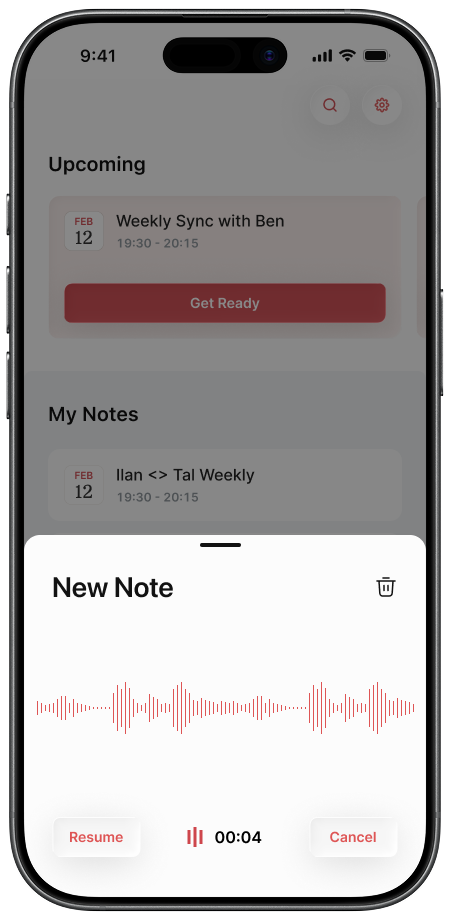
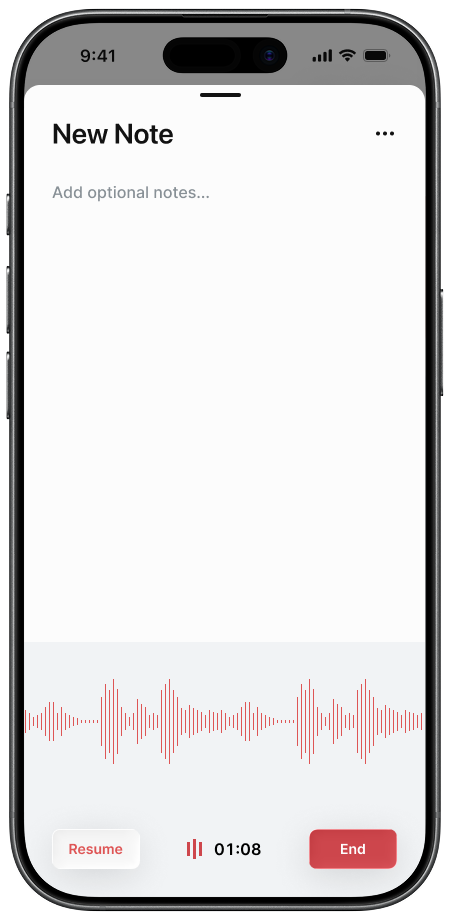
The mobile experience was designed around immediacy instead. From the homepage, users can begin capturing conversations instantly, whether the interaction is virtual or in-person, scheduled or spontaneous.
Alongside recording, timeOS supports live manual note-taking as a first-class input. For many users, especially leaders and consultants, writing notes remains an important cognitive tool for maintaining focus and confidence during conversations.
These inputs actively shape outcomes. Manual notes influence summaries, highlights, and follow-up actions, allowing generated results to better reflect user intent and priorities.
Over time, this creates a gradual trust curve: users stay in control while increasingly relying on timeOS to carry more of the cognitive load.
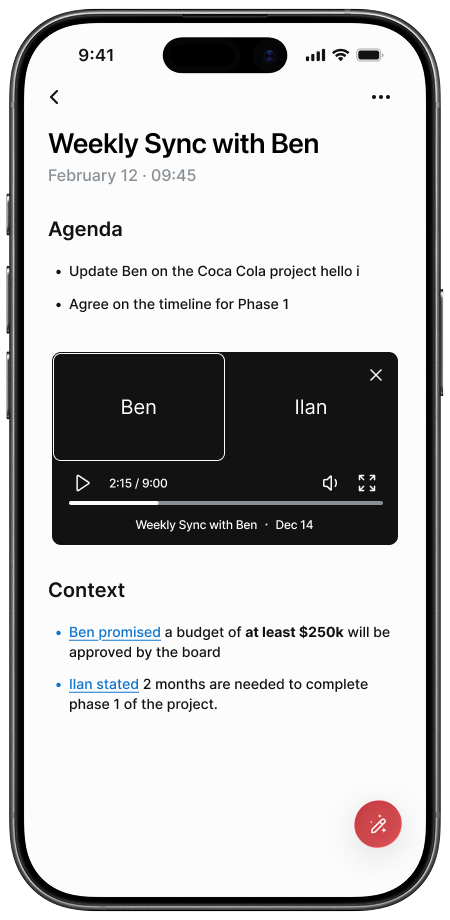
Captured conversations only become valuable when users can retrieve the right context at the right moment. On mobile, users are rarely looking to revisit full notes. They are usually mid-conversation or mid-decision.
"I don't really go back to read full meeting notes. I go back to find one thing."
What they need is an immediate answer, not another document to search through.
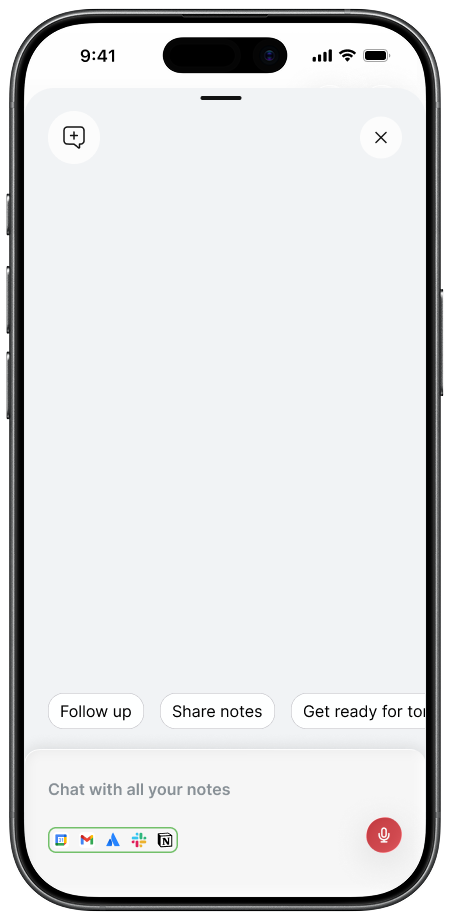
timeOS turns fragmented work artifacts — conversations, emails, Slack threads, and integrated tools — into a shared memory system.
From this memory, users can quickly retrieve decisions, clarify commitments, generate concise briefings, and synthesize updates tailored to different audiences. Outputs combine AI-generated context with user annotations, ensuring responses remain grounded in what users considered important and reflect their intent.
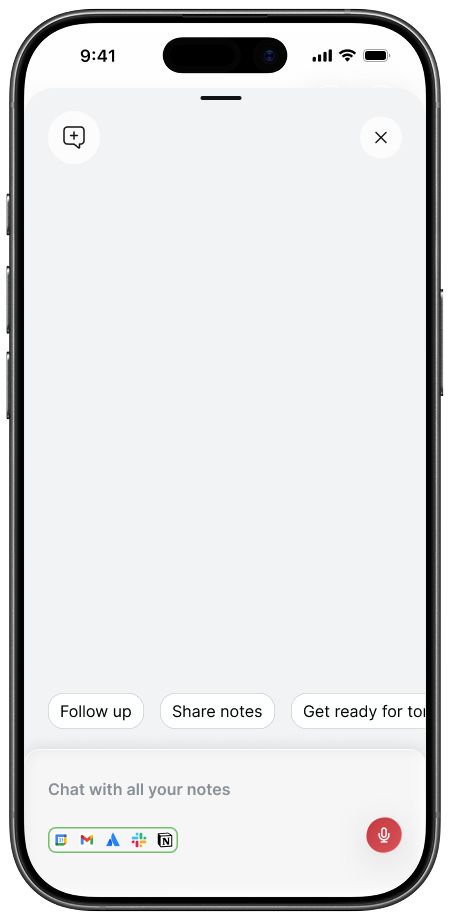
Beyond retrieval, the assistant can support action by drafting follow-ups, creating tasks, or sharing summaries across connected tools.
By making organizational memory immediately accessible and actionable, timeOS turns past conversations into real-time leverage during the workday itself.
timeOS was designed around the reality that preparation, conversations, and follow-up are not separate workflows, but part of a continuous work context. By connecting these moments in a single proactive system, the mobile experience reduces cognitive overhead and allows users to stay focused on conversations instead of managing information.
This foundation also opens up future directions: